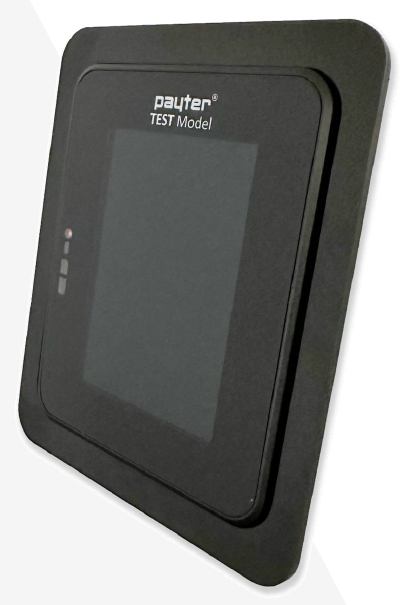
Answer a few questions and we'll recommend the right terminal and accessories for your installation.
How it works
Find the right terminal for your installation
By answering a short series of questions about your environment, mounting preference, connectivity needs and antenna requirements, we'll determine exactly which Payter terminal and accessories are right for you — and generate a Bill of Materials ready to share with your team.
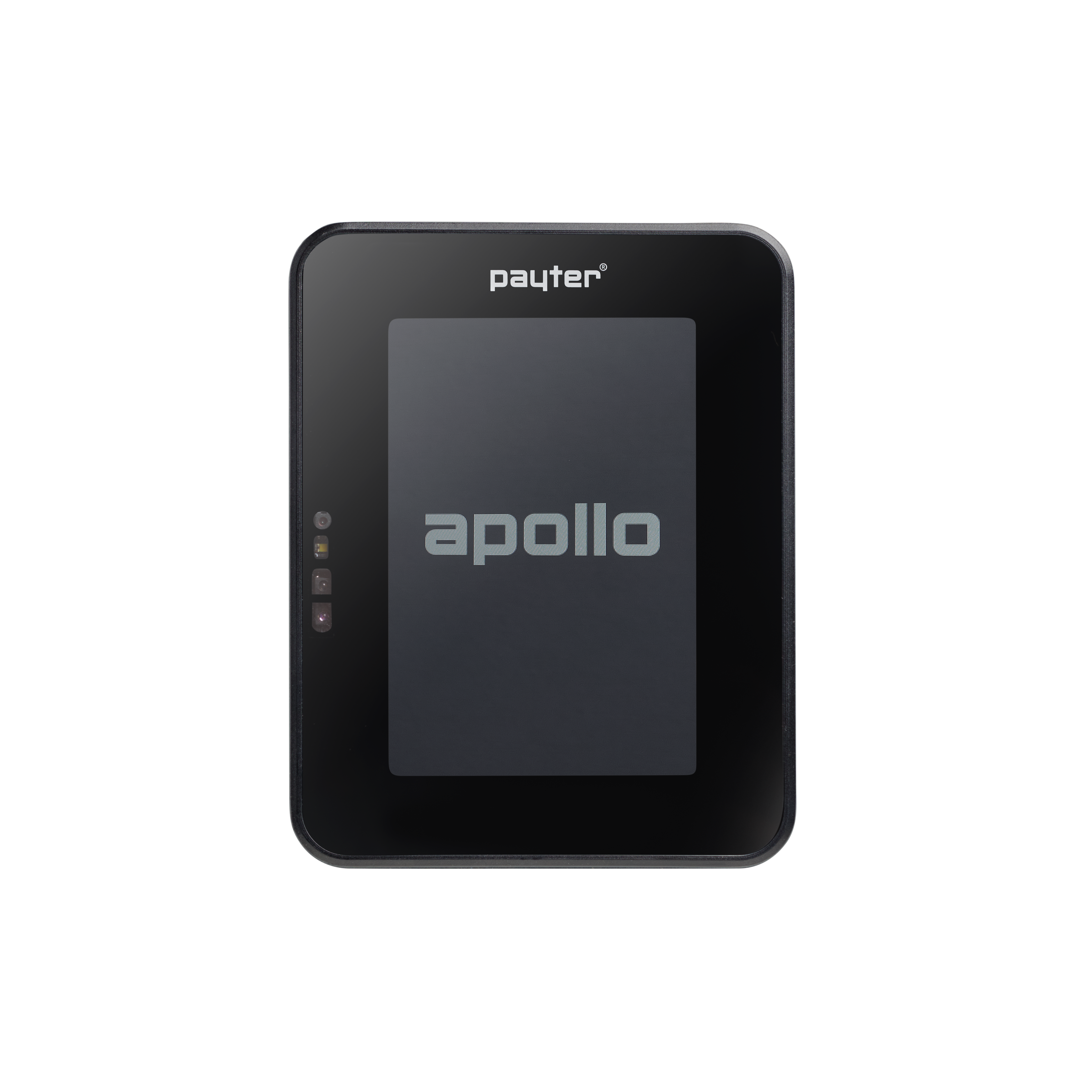
Apollo
APO.01 / APO.01.4E
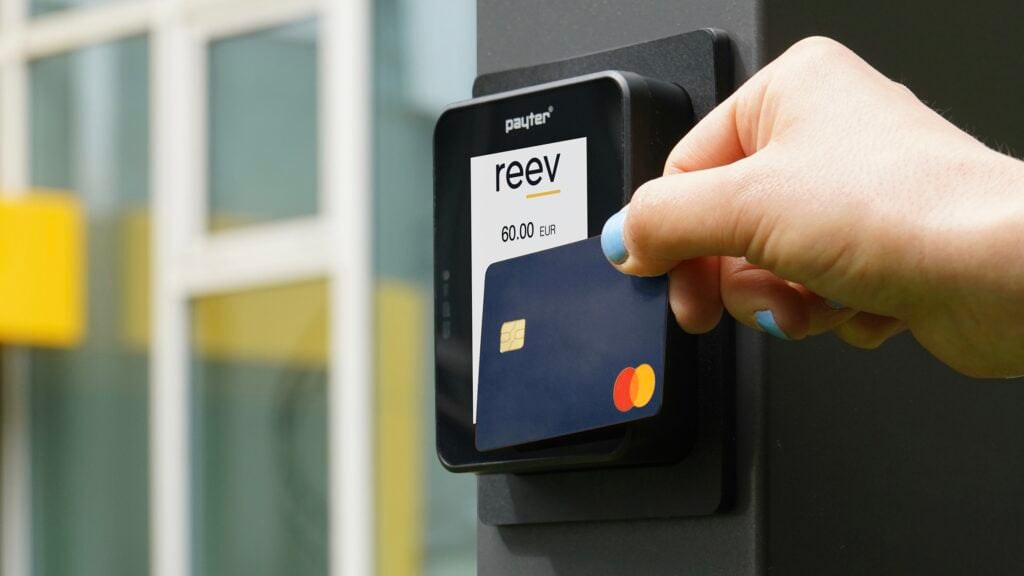
The Apollo is our versatile indoor contactless payment terminal. Ideal for sheltered environments mounted on top of a machine, with optional 4G modem for standalone connectivity.
IndoorsMount on TopOptional 4G
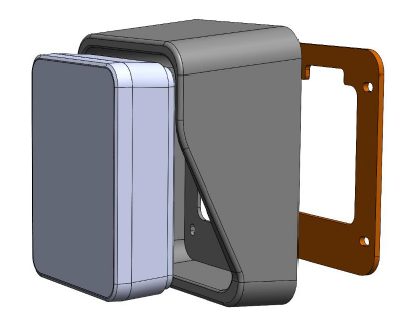
Apollo + Canopy
APO.01 + AC.93 / APO.01.4E + AC.93
The Apollo paired with the protective canopy for outdoor top-mount installations. The canopy shields the terminal from rain and direct sunlight while maintaining full accessibility.
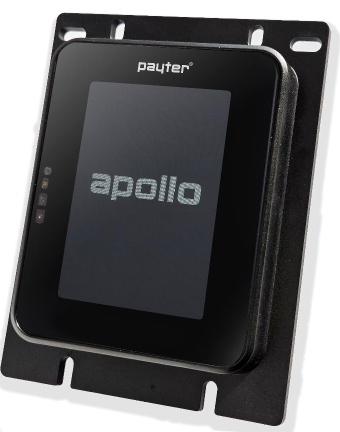
OutdoorsMount on TopCanopy IncludedOptional 4G
Apollo X
APX.01 / APX.01.4E
The Apollo X with built-in frame, designed for EVA cutout installations. Suitable for both indoor and outdoor environments, flush-mounted into the machine's front panel for a seamless finish.
Indoors & OutdoorsEVA CutoutOptional 4G
Answer the questions below to determine which terminal is right for your installation
These terminals are designed for specific use cases and are not included in the terminal configurator. Please contact our sales team if you believe one of these options may be right for your installation.
Apollo Polar
All-in-one terminal supporting swipe, chip and contactless payments. Purpose-built for outdoor environments with enhanced weatherproofing and temperature tolerance.
IndoorsOutdoorsMount on TopOptional 4GNorth America
Apollo Max
All-in-one terminal supporting swipe, chip and contactless payments. Designed for indoor environments where a larger form factor or enhanced display is required.
IndoorsMount on TopEVA CutoutOptional 4G
Apollo Lite Coming Soon
Details about the Apollo Lite will be available soon. Contact our sales team to register your interest.
Details TBC
If you would like to hear more about these terminals, please contact our sales team.
Contact Sales
Our team will be in touch shortly
Fill in your details below and a member of our sales team will reach out to discuss the right terminal option for your use case.
✓ Thanks! Your enquiry has been sent. We'll be in touch soon.
Bill of Materials
Configuration Summary
Selected Products
Product
Part No.
Qty
A personalised quote will be sent to you for approval based on this configuration.
Customer Type
Your Contact Details
Billing / Invoice Details
Delivery Details
How to identify mounting studs
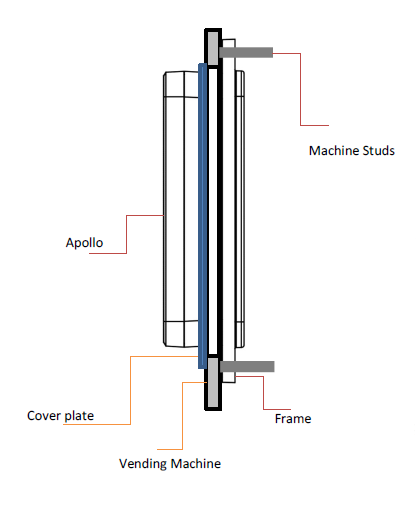
Machine has studs
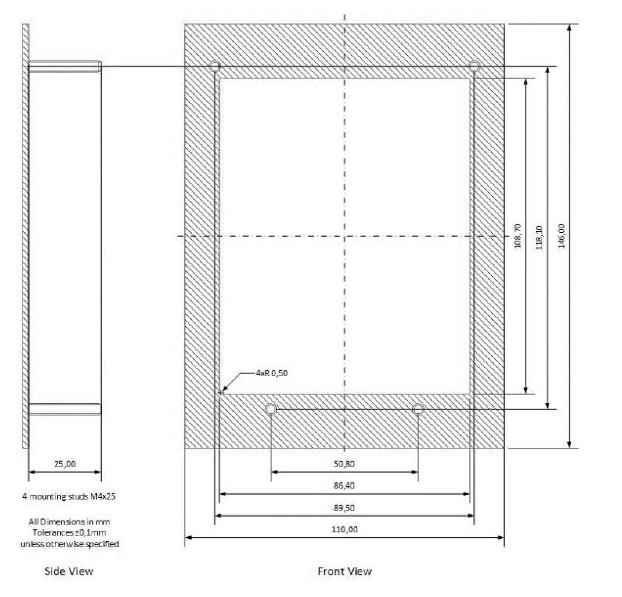
The machine has four protruding studs (pins) around the EVA cutout. The terminal clips directly onto these — no additional hardware required.
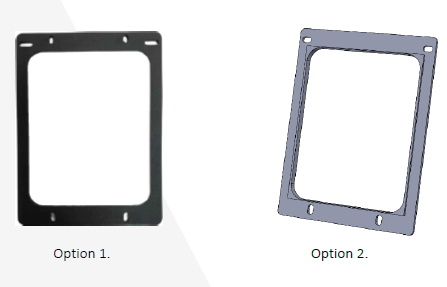
No studs — mounting frame needed
No studs on the machine. A mounting frame (shown left) will be added to your BOM and will be used to mount the terminal to the machine.
EVA Cutout Reference Guide – Corner Type & Gasket Selection
When mounting a payment terminal using an EVA cutout, it is important to identify whether the cutout has square corners or rounded corners. Although overall opening dimensions may appear the same, the corner shape changes how the terminal seals against the surface.
◀ Rounded corner cutoutSquare corner cutout ▶
Why This Matters
To achieve the required IP sealing between the terminal and the machine front plate, the correct gasket must be used. The gasket is designed to match the corner profile of the cutout:
Rounded Corner Cutout
Requires a gasket designed to follow the curved corner radius — AC.95
Square Corner Cutout
Requires a gasket designed for sharp 90° corners — AC.88.SQ
⚠️ If the wrong gasket type is used, gaps can occur at the corners — preventing the terminal from achieving its required IP rating and environmental seal.
What to Check Before Ordering
Whether the machine uses square or rounded EVA cutout corners.
That the correct gasket type is specified for that cutout design.
Mounting Method Reference Guide
There are two ways a Payter terminal can be fitted to your machine. Understanding the difference will help you select the correct mounting method and ensure the right components are included in your BOM.
🔩
Mount on Top (Front Mounted)
Terminal sits on the outer surface of the machine
The terminal is mounted directly onto the front panel of the machine — no hole or recess is required. It sits proud of the surface and is fixed in place from the outside.
✔ Best for
Machines with no existing cutout
Flat Surface
✖ Consider
Terminal protrudes from surface
Less weather-sealed than cutout
May not suit all machine aesthetics
⚠️Outdoor installations: Mount on Top in an outdoor environment requires a canopy to protect the terminal from weather exposure. A canopy will be added to your BOM if you select an outdoor environment with this mounting method.
Compatible terminals: Apollo and Apollo (4G) — both support front-mounted installation on flat or near-flat surfaces.
✂️
EVA Cutout (Rear Mounted)
Terminal sits flush inside an opening cut into the machine's front panel
The machine's front panel has a pre-cut rectangular opening — known as an EVA cutout — that the terminal slots into from behind. Only the terminal's screen and reader area are visible from the outside, giving a clean, built-in look.
✔ Best for
Machines with a factory cutout
Flush, professional finish
Outdoor & weatherproof requirements
High-traffic or vandal-resistant installs
✖ Consider
Requires correct cutout dimensions
Correct gasket needed for IP seal
May require mounting studs or frame
Compatible terminals: Apollo X and Apollo X (4G) — designed specifically for EVA cutout installations with IP-rated sealing.
💡Not sure which method applies to your machine? Look at the front panel: if you can see a rectangular cut-out roughly the size of the terminal screen, it's an EVA cutout (rear-mounted). If the surface is solid and the terminal needs to be fixed onto the outside, it's mount-on-top (front-mounted). When in doubt, check Payter's technical documentation or contact sales@payter.nl.